Blocked by default
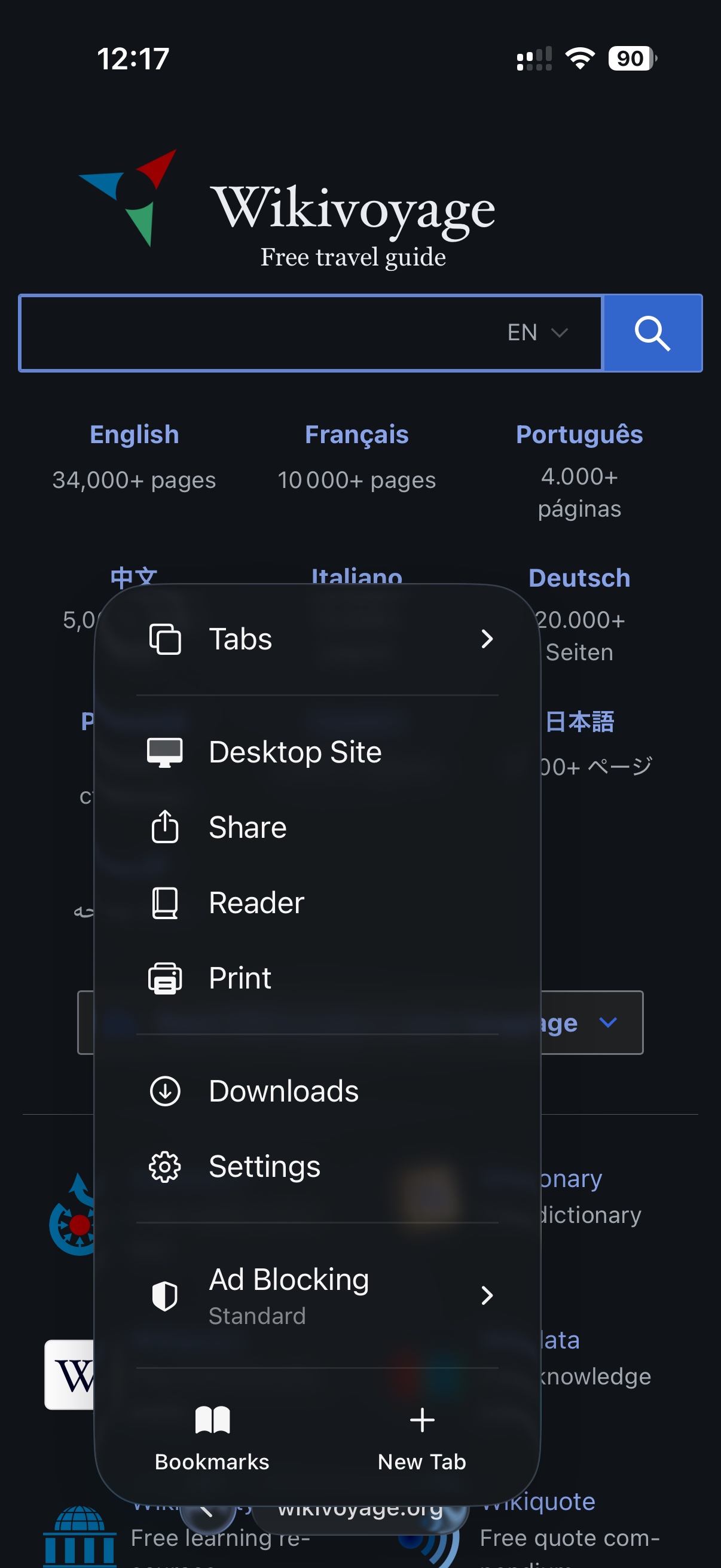
Ads, trackers, pop-ups and cookie banners stopped before the page draws. No extension to add, no list to choose.
TitleLess blocks ads and trackers by default, collects nothing about you, and takes the title bar and tab strip off your iPhone and iPad — so the page gets the display it was drawn for.
Ads, trackers, pop-ups and cookie banners stopped before the page draws. No extension to add, no list to choose.
No account, no analytics, no crash reporting, no server. What you browse stays on the phone, because there is nowhere to send it.
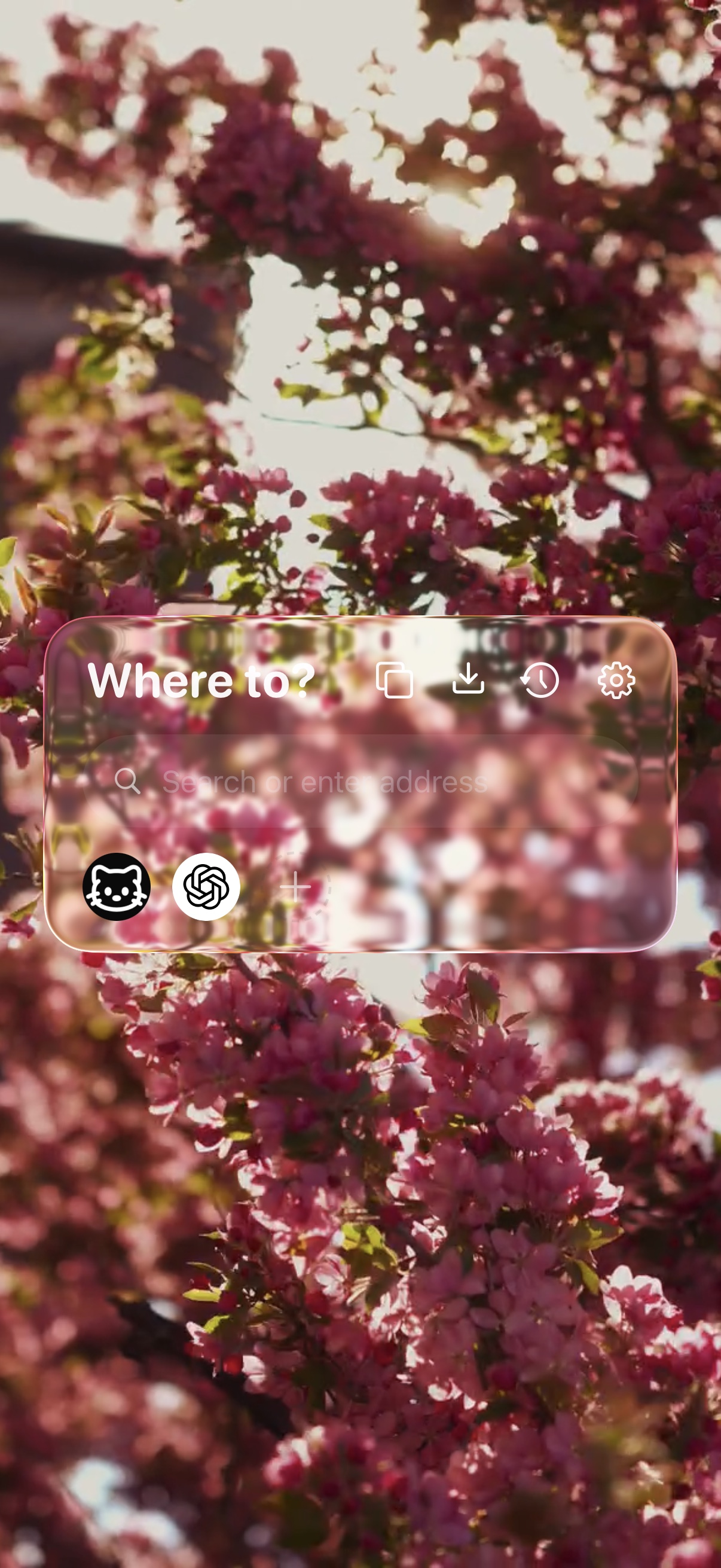
No title bar, no tab strip. One glass capsule sits over the page and gets out of the way as you read.
Filter lists are matched on your phone against every request a page makes. Nothing about what you browse is sent anywhere to be checked.
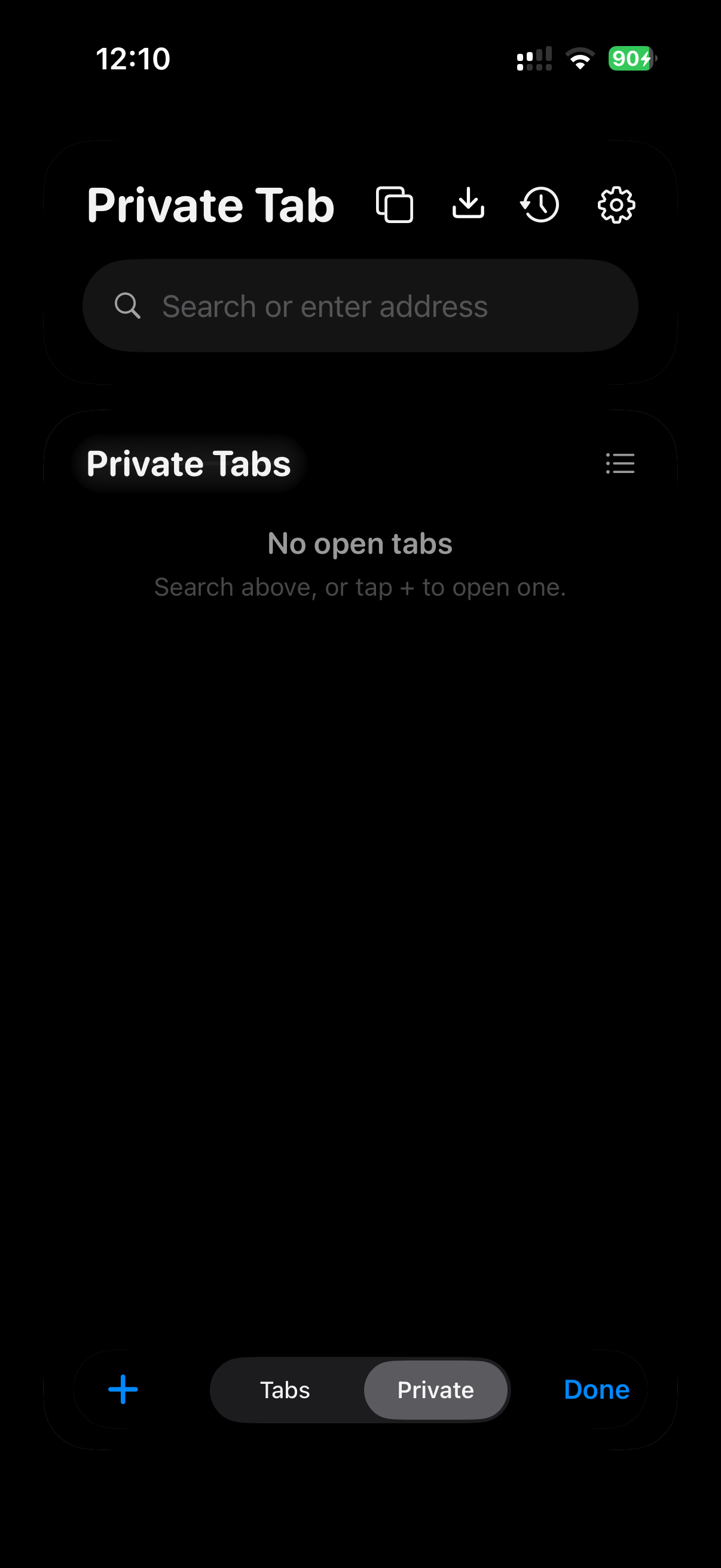
A private page keeps its history, cookies and cache in memory alone, and the app discards them when you close it. Every surface goes black while you are in it, so the mode is never in doubt.
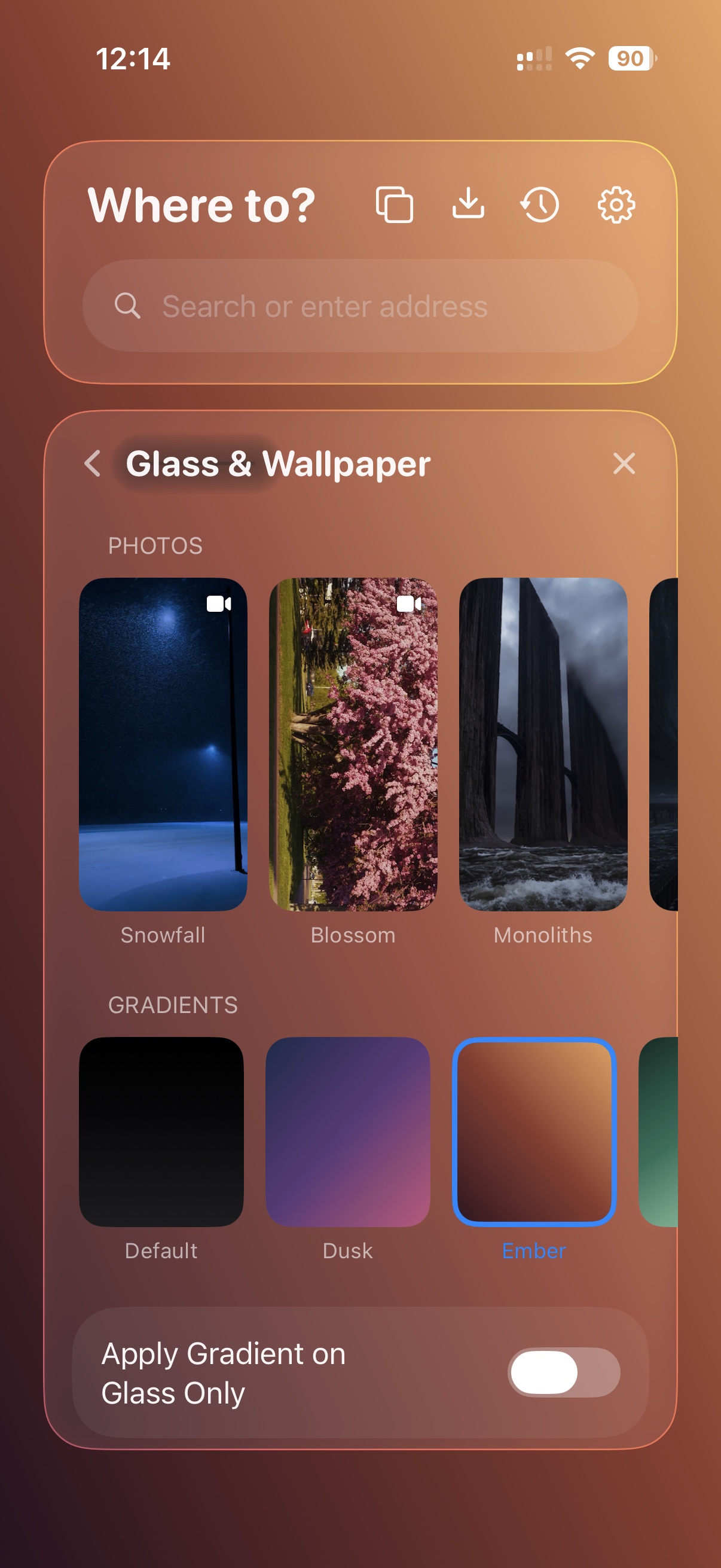
The chrome is one piece of glass, and how much of the page comes through it is your call — not a theme, the material itself.
Every browser on iPhone and iPad draws pages with WebKit, because Apple requires it. What differs is what each one does around the page.
| On iPhone & iPad | TitleLess | Brave | Opera | Chrome | Safari |
|---|---|---|---|---|---|
| Ads blocked by default | Yes | Yes | Off by default | No | Extension needed |
| Trackers blocked by default | Yes | Yes | Partly | No | Yes |
| Fingerprinting blocked | Yes | Yes | No | No | Partly |
| Cookie notices hidden | Yes | Yes | Yes | No | No |
| Pop-ups and pop-unders blocked | Yes | Yes | Partly | Partly | Partly |
| Private browsing behind Face ID | Yes | Yes | Yes | No | No |
| Save video that only streams | Yes | No | No | No | No |
| Full screen for the page | Yes | No | No | No | No |
| Wallpapers and adjustable chrome | Yes | No | Yes | No | No |
| Sends usage data to its maker | Never | Anonymous | Yes | Yes | Some |
Yes. No purchase, no subscription, no account, and no ads of our own.
That is why it is. Blocking happens on your phone, your history stays in the app, and there is no account to attach it to. The privacy policy lists every request the app makes.
Tap the address capsule and the panel opens, with your open pages on it alongside favourites, history and downloads. The ⋯ menu has Tabs on it too. They are off the screen, not off the phone — the top of the display belongs to the page.
Occasionally a rule is too keen. Open Settings and turn Block Ads & Trackers down, then send us the address so it can be fixed for everybody.
Any iPhone on iOS 26, and any iPad on iPadOS 26 — one download covers both. Version 1.0 remains available from iOS 18.
 Free · iPhone & iPad · iOS 26
Download it and the first page you open is already clean.